Reliable Support. Uninterrupted Performance.
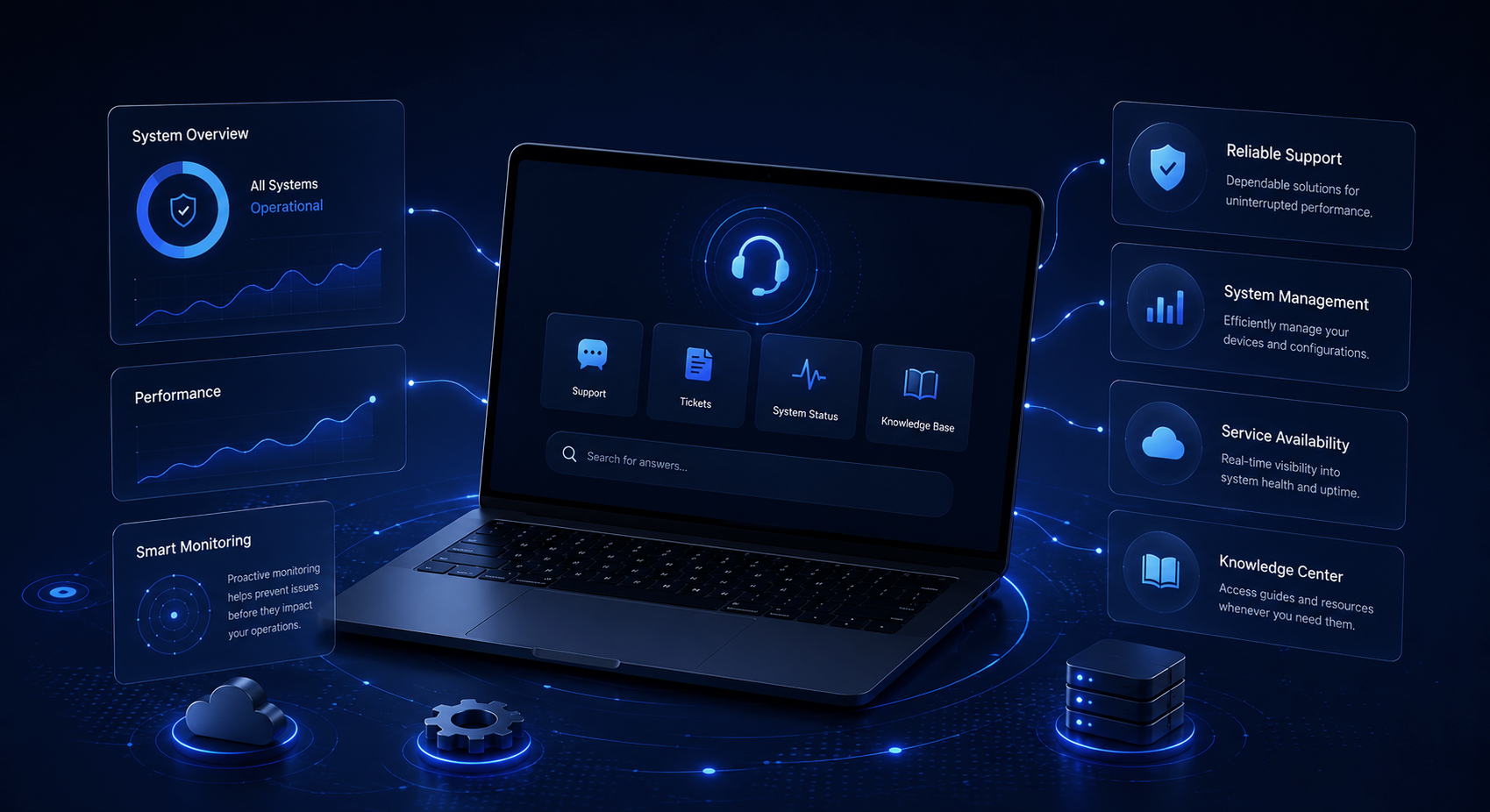
Advert provides dedicated technical support designed to ensure your surveillance systems operate at peak efficiency, with minimal downtime and maximum reliability. In today’s fast-paced environments, uninterrupted security is not optional it is essential. Our support framework is built to maintain continuous system performance, enabling businesses to monitor, detect, and respond without disruption.
Our support team works closely with clients, system integrators, and partners to understand specific operational requirements and provide tailored solutions.
Hot Searches
Setup
How to Initially Set up Reolink Devices
How to Initially Set up Reolink NVR via Reolink App
How to Add Reolink Products to Reolink Software
How to Initially Set up Reolink Battery-powered WiFi Cameras via Reolink App
How to Initially Set up WiFi Cameras via Reolink App (With LAN Port and Voice Prompt)
Troubleshooting
Setup
How to Initially Set up Reolink Devices
How to Initially Set up Reolink NVR via Reolink App
How to Add Reolink Products to Reolink Software
How to Initially Set up Reolink Battery-powered WiFi Cameras via Reolink App
How to Initially Set up WiFi Cameras via Reolink App (With LAN Port and Voice Prompt)
Troubleshooting
Setup
How to Initially Set up Reolink Devices
How to Initially Set up Reolink NVR via Reolink App
How to Add Reolink Products to Reolink Software
How to Initially Set up Reolink Battery-powered WiFi Cameras via Reolink App
How to Initially Set up WiFi Cameras via Reolink App (With LAN Port and Voice Prompt)
Troubleshooting
Setup
How to Initially Set up Reolink Devices
How to Initially Set up Reolink NVR via Reolink App
How to Add Reolink Products to Reolink Software
How to Initially Set up Reolink Battery-powered WiFi Cameras via Reolink App
How to Initially Set up WiFi Cameras via Reolink App (With LAN Port and Voice Prompt)
Troubleshooting
Setup
How to Initially Set up Reolink Devices
How to Initially Set up Reolink NVR via Reolink App
How to Add Reolink Products to Reolink Software
How to Initially Set up Reolink Battery-powered WiFi Cameras via Reolink App
How to Initially Set up WiFi Cameras via Reolink App (With LAN Port and Voice Prompt)
Troubleshooting
Network Video Recorder
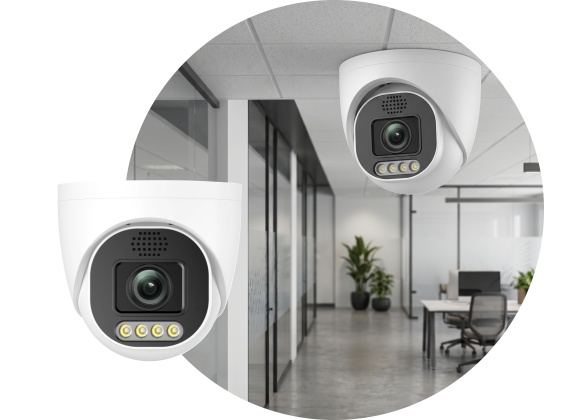
Ensure Continuous Camera Performance
Get dedicated support for configuration, firmware updates, and performance optimization of your network cameras. Our team helps resolve issues quickly, ensuring clear video output, stable connectivity, and reliable operation across all environments.
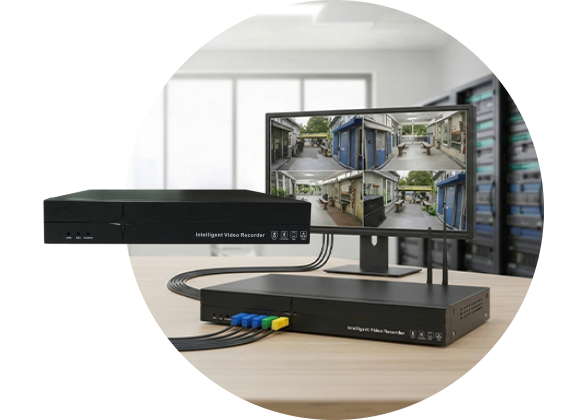
Optimize Recording & Storage Systems
Access expert assistance for NVR setup, storage management, playback issues, and system integration. We ensure smooth recording, secure data handling, and uninterrupted monitoring performance.